
Concept
Static shots can feel lifeless. Adding camera movement instantly makes footage more engaging.
Even subtle movement can dramatically increase the cinematic feel of your footage.
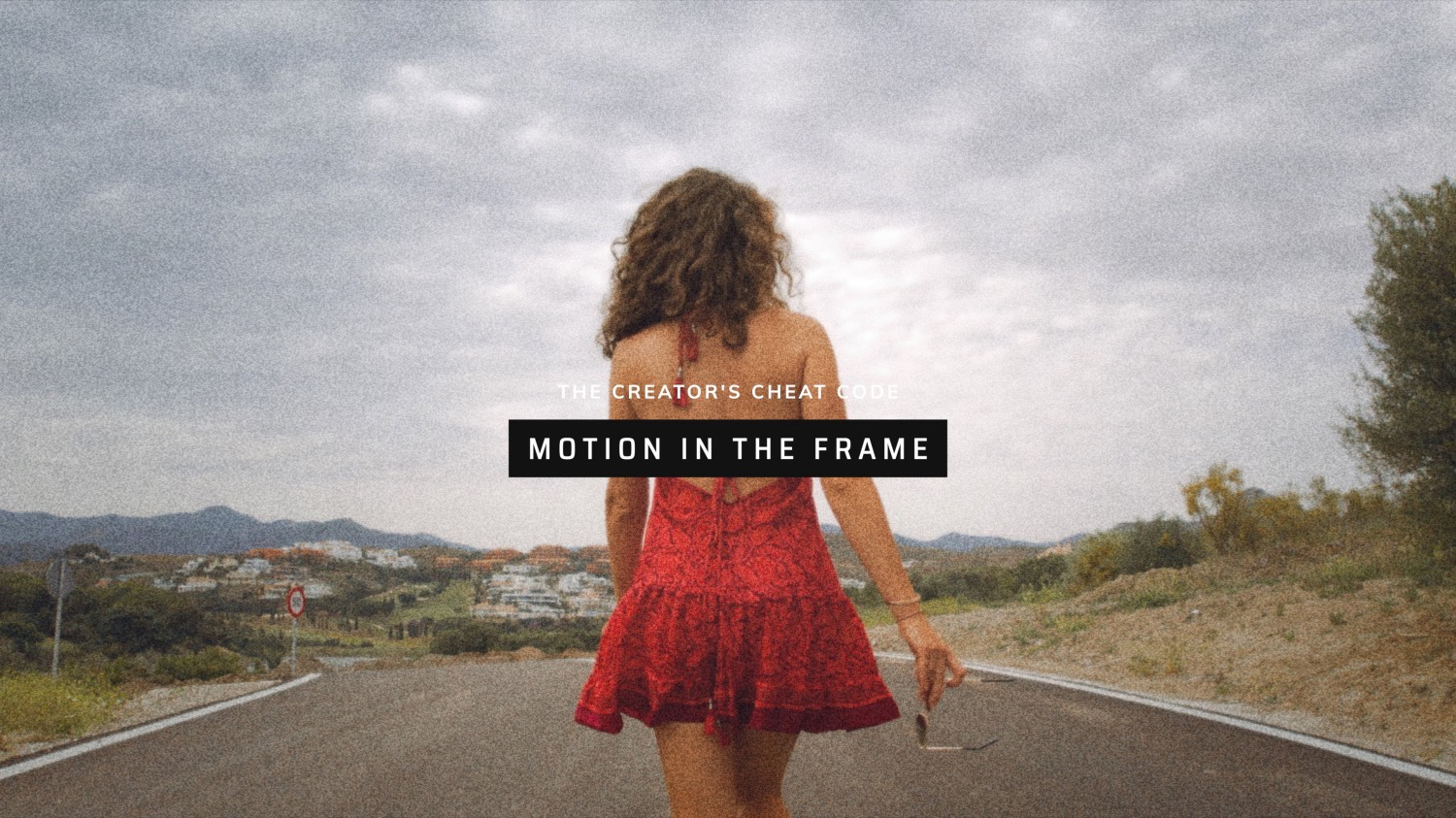
Watch the next trigger:
How to apply it
• Use slow, deliberate movement rather than sudden motion.
• If in doubt, less is more, e.g. add a slow push-in or gentle orbit.
• Slide, tilt or rise during the shot to reveal new information.
• Move the camera past foreground objects to enhance depth.
• ND filters help create natural motion blur when camera movement is fast.
MENTAL TRIGGER
“Can this shot benefit from movement?”

Download the Cheat Code
Sometimes when you’re out filming, your mind goes blank.
You know there are things you should be thinking about – composition, movement, lighting, storytelling – but in the moment it’s easy to forget. That’s exactly why we created this printable Creator’s Cheat Code.
Download the printable cheat code so you can use these ideas in the field. If a shot doesn’t contain at least one of these triggers, it’s a good sign it could be improved.
Have you seen our premium courses?
If you found this lesson helpful, you’ll love our full training. Our Drone Cinematography Masterclass 3.0 is a comprehensive course designed to take you from drone owner to confident aerial filmmaker. Across more than 9 hours of training, we break down the exact techniques we use to create cinematic drone footage – from camera movement and composition to storytelling, editing and colour grading.